Online Safety for Seniors: Scams, Passwords and Privacy
A bank, the police or Microsoft will never phone you out of the blue to ask for a password or payment, and knowing that one fact stops most scams. These guides explain how to spot scam calls, texts and emails, build strong passwords, and keep your money and details safe online.
Key things to know
- A bank, the police or Microsoft will never phone out of the blue to ask for a password or payment.
- Length beats symbols. Three random words joined together make a password that is strong and easy to recall.
- Turn on two-step verification for your email first. It blocks intruders even if they learn your password.
- Parcel-fee texts with a link are almost always a scam. Check directly on the courier's own app instead.
- If a caller pressures you to act right now, that urgency is the warning sign. Hang up and call back on the official number.
Most scams rely on two feelings: fear and urgency. A message claims your account is at risk, or a caller says you must pay immediately, and the rush is designed to stop you thinking. The single most useful habit is to slow down and check independently, because no genuine bank or company minds you calling them back on a number you found yourself.
The rest is good housekeeping that takes minutes. Strong, memorable passwords, two-step verification on your email and bank, and a healthy suspicion of links that arrive unexpectedly cover the large majority of risks. The guides here walk through each one and explain exactly what to do if you think you have already clicked something you should not have.
Helpful tools for this topic
Free and no sign-up needed. These tools do the calculating and planning for you.
All guides on Online Safety

You Clicked a Scam Link: What to Do Right Now
A calm, ordered emergency guide for after you click a scam link: disconnect, change exposed passwords, contact your bank, clean up the device, and report it.
Read guide →
Is This Website Safe? How to Check Before You Trust It
Before you type your card number anywhere, run a few quick checks: the padlock, the web address, the price, and who runs the site. Here's how to spot a fake.
Read guide →
Should You Use a Password Manager? A Simple Guide
A password manager remembers every login so you only remember one. A plain guide to how they work, whether you need one, and the best simple options compared.
Read guide →
Phone Stolen? Do These 7 Things in the First Hour
A calm, ordered checklist for the first hour after your phone is stolen: lock it remotely, suspend the SIM, protect your money and erase it safely.
Read guide →
What Not to Share on Social Media (and Why)
A clear list of what to hold back on social media, from your address and travel plans to security-question answers, with the plain reason for each.
Read guide →
How to Recognise a Fake Website Before You Type Anything
Fake websites copy real shops and banks almost perfectly but slip up in the address, contact details, and payment options. Here is how to spot them in under a minute.
Read guide →
Public Wi-Fi Safety: What It Is and How to Use It Without Worry
A plain-English explainer on public Wi-Fi safety: what it is, the real risks like evil-twin hotspots, the simple habits that protect you, and when to use mobile data or a VPN instead.
Read guide →
The Microsoft Scam Phone Call: How It Works and How to Hang Up Safely
Microsoft never phones you about a virus. Here is how the fake Microsoft support scam call works, the warning signs, and exactly what to do.
Read guide →
Facebook Privacy Settings: A Plain-English Walkthrough
A plain-English walkthrough of the Facebook privacy settings that matter most: default post audience, friend requests, tag review, hiding personal details, and two-factor login.
Read guide →
The iPhone Security Settings Checklist Worth 20 Minutes of Your Time
Eleven iPhone settings control how safe your phone, accounts and money are. This plain-English checklist tells you exactly where to tap, in about 20 minutes.
Read guide →
What Is Phishing? How to Spot and Stop Fake Messages
Phishing is a fake message pretending to be from a company you trust. Here is how to spot the warning signs, check links safely, and stay protected.
Read guide →
iPhone Update Guide: How to Update Your iPhone Safely
Step-by-step help for updating your iPhone safely, including why iOS updates protect you, how to turn on automatic updates, and simple fixes when an update stalls.
Read guide →
Android Security Settings Checklist: 12 Things to Turn On Today
Twelve Android security settings to switch on today, explained step by step, to protect your accounts, photos and money in about twenty minutes.
Read guide →
App Permissions Explained: What You're Really Agreeing To
App permissions are the keys you hand apps to use your camera, location, or contacts. Here's what each one means and how to control them on iPhone and Android.
Read guide →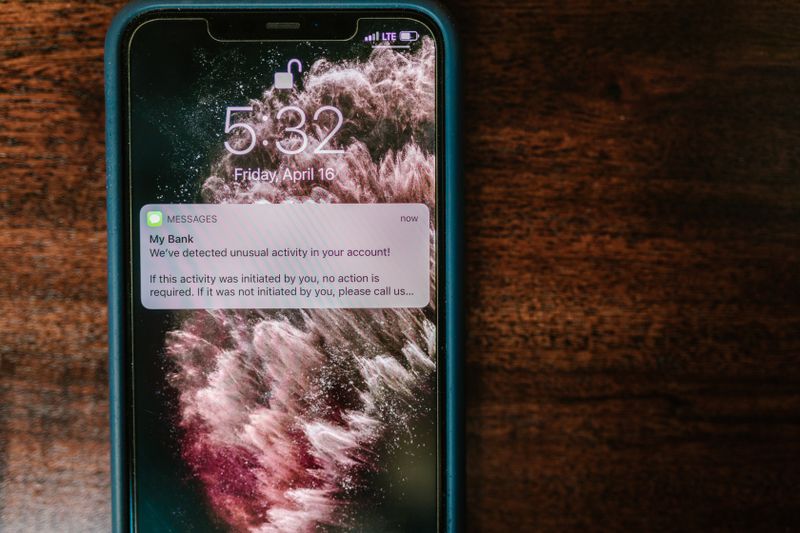
Two-Step Verification Explained: Simple Setup for Seniors
What two-step verification is, why it protects you even if your password leaks, and how to switch it on for email, bank, Apple, and Google.
Read guide →
How to Pay Online Safely: A Calm, Step-by-Step Guide
A calm, step-by-step guide to paying online safely: the safest payment methods, how to read a checkout page, and what to do if a charge looks wrong.
Read guide →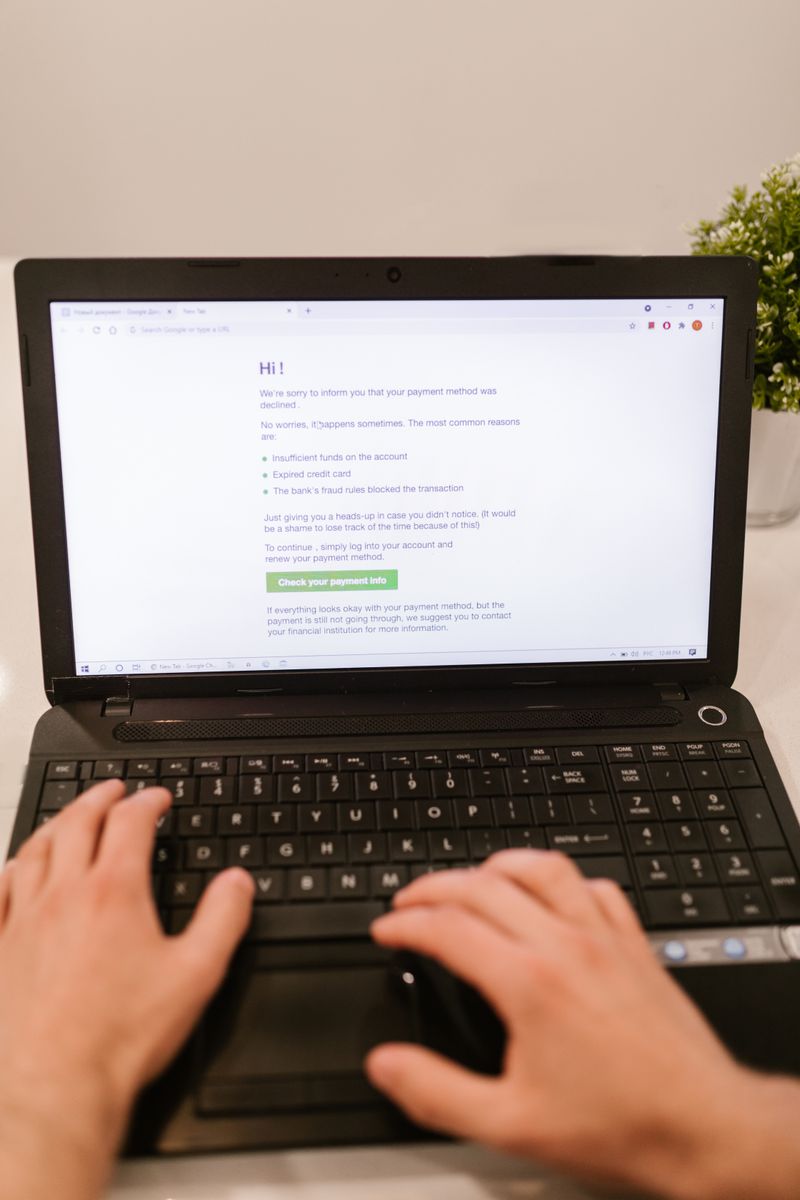
Strong Passwords Made Simple: A Complete Guide for Staying Safe Online
A plain-English guide to creating strong, memorable passwords, using a password manager, and turning on two-step verification to keep your accounts safe.
Read guide →
Phone Scams: How to Spot Them and Protect Your Money
A real bank never asks for your full password or a code over the phone. Learn the warning signs of phone scams, the scams aimed at older adults, and exactly what to do.
Read guide →
Text Message Scams Explained: How to Spot a Fake Text and Stay Safe
Scam texts want your money, passwords, or bank details. Here are the common types, the warning signs, and exactly what to do when a fake text arrives.
Read guide →
Online Banking Safety: A Calm, Plain-English Guide for Over-50s
A calm, plain-English guide to staying safe with online banking, covering passwords, two-step verification, spotting scams, and what to do if something goes wrong.
Read guide →
How to Spot an Email Scam: A Calm, Step-by-Step Guide
A calm, jargon-free guide to spotting scam emails by their sender address, links, attachments, and emotional tricks, plus what to do if you already clicked.
Read guide →New guides on Online Safety are added regularly and appear here automatically as soon as they go live.
Frequently asked questions
How can I tell if a phone call is a scam?
Real organisations never call to demand passwords, payment in gift cards, or remote access to your computer. If a caller pressures you to act immediately, hang up and call the company back on its official number.
What makes a strong password?
Length matters more than symbols. Three random words joined together, such as a memorable phrase, are both strong and easy to recall. Use a different password for your email and your bank.
What is two-step verification?
It adds a second check, usually a code texted to your phone, when you log in from a new device. Even if someone learns your password, they cannot get in without that code. Turn it on for email first.
I got a text about a parcel fee. Is it real?
Almost certainly a scam. Delivery companies do not ask for small fees by text link. Do not tap the link. If you expect a parcel, check directly on the courier's official website or app.
Is public Wi-Fi safe?
Reading news or watching video on public Wi-Fi is fine. Avoid logging into your bank or shopping on it, because the network is shared. Use your mobile data for anything involving money.
I clicked a suspicious link. What now?
Do not enter any details on the page that opened. Close it, run a phone update, and change the password for any account you may have exposed. If it involved your bank, call them.